> For the complete documentation index, see [llms.txt](https://guide.racino.io/info/llms.txt). Markdown versions of documentation pages are available by appending `.md` to page URLs; this page is available as [Markdown](https://guide.racino.io/info/games/formula/navigation/garage/stats.md).
# Stats
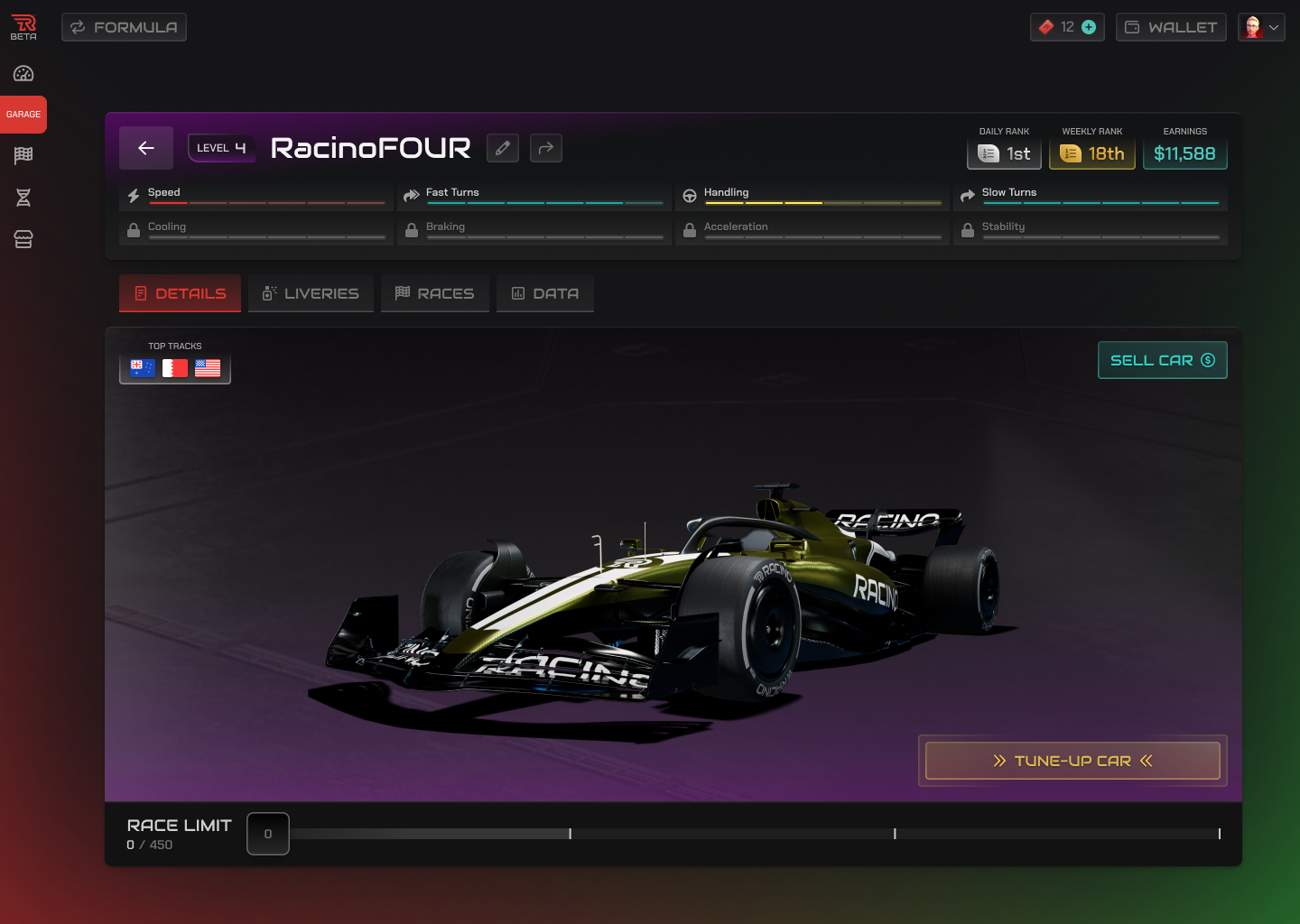
**Stats:** Each car has eight unique Stats revealed as it levels up, offering insights into its capabilities. These Stats never change, so finding tracks with similar Suggested Stats is key. Once you’ve found the right race, you can adjust your Stats in Car Setup to optimize performance based on the track’s weather forecast.
**Top Tracks:** Each car has a Top Tracks section that highlights ideal tracks based on its Stats. When choosing a car for a race, a 👍 symbol will appear next to any car that has that track listed as a Top Track.